A personal AI device can sit on your desk, hang around your neck, clip to your clothes, or live in a pair of glasses. These products are often discussed as if they are competing versions of the same idea. I think that misses the more useful question.
Where in your day do you want AI to be available, and what do you expect it to do when it gets there?
A desktop robot and an AI wearable have different relationships with your attention, your environment, and the people around you. One stays in a place. The other moves with you. That sounds obvious, but it changes almost every practical part of the experience.
The difference is not just where the hardware goes
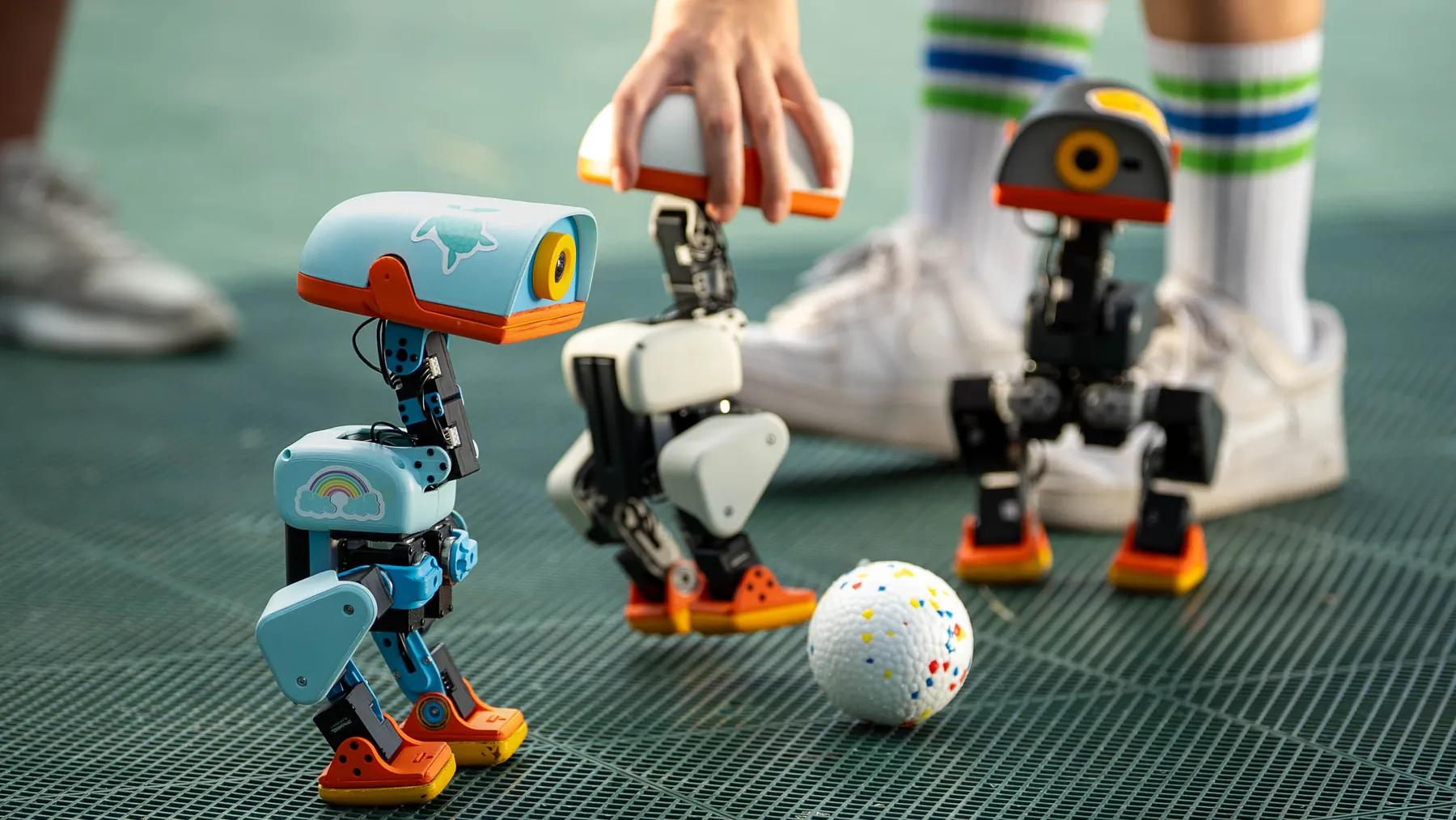
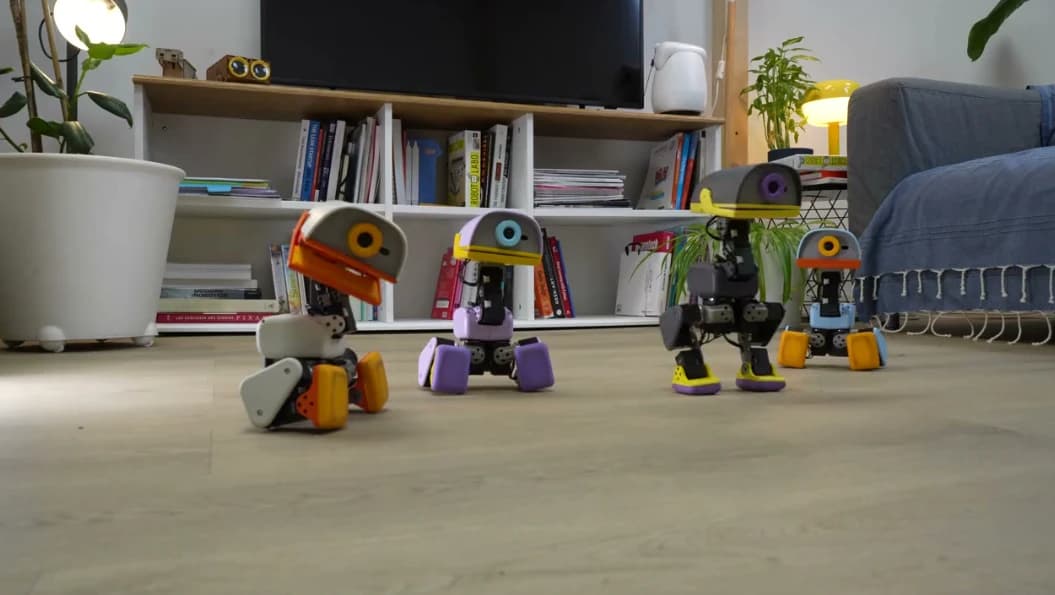
A desktop robot is available when you are near a particular space. It can become a visible object in your home office, bedroom, or living area. Its body can move, react, turn toward you, display an expression, or make a small interaction feel less like opening another app.
A wearable is available because you carry it. Depending on the product, it may capture speech, respond to voice commands, provide audio, take first-person photos or video, or offer quick access to an assistant without asking you to reach for your phone.
Those are different advantages. A device that follows you is not automatically more personal. A device that lives on your desk is not automatically more useful.
| Question | Desktop robot | AI wearable |
|---|---|---|
| Where is it useful? | A recurring physical space | Across places and activities |
| What can make it distinctive? | Movement, presence, expression, visible interaction | Hands-free access, portability, first-person capture |
| What is it likely to interrupt? | Focus in the room where it lives | Conversations and activities wherever you wear it |
| Main practical limitation | It cannot follow you | Battery, comfort, phone dependence, and social context |
| Best starting question | What should this object add to this space? | What do I repeatedly need to capture or access while moving? |
The table is a way to think about the categories, not a claim that every device has every capability. A small desktop pet and an open robotics platform can be very different products. The same is true of a voice recorder pendant and AI glasses.
A desktop robot makes more sense when the value is tied to a place
Imagine that you spend several hours a day at the same desk. You may want a small robot that gives the room a little personality, responds when you approach, provides a quiet interaction during a break, or becomes a familiar part of your workspace.
That value is partly functional and partly experiential. A robot's movement, posture, sound, and physical presence can make an interaction feel different from talking to a chatbot on a screen.
This does not mean a desktop robot should constantly talk or demand attention. In fact, a desk is a place where interruptions can become expensive. The product needs ways to stay quiet, recognize that you are busy, and let you choose when interaction is welcome.
For a more detailed look at that tension, see why an AI desktop robot should know when to talk and when to stay quiet.
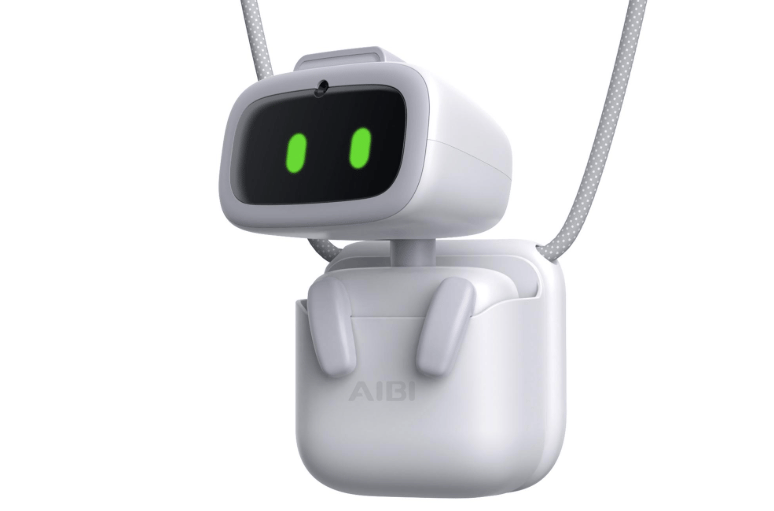
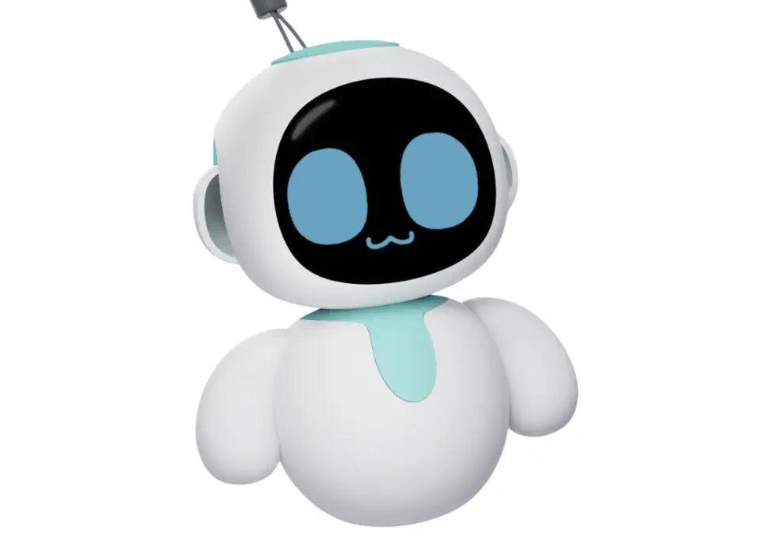
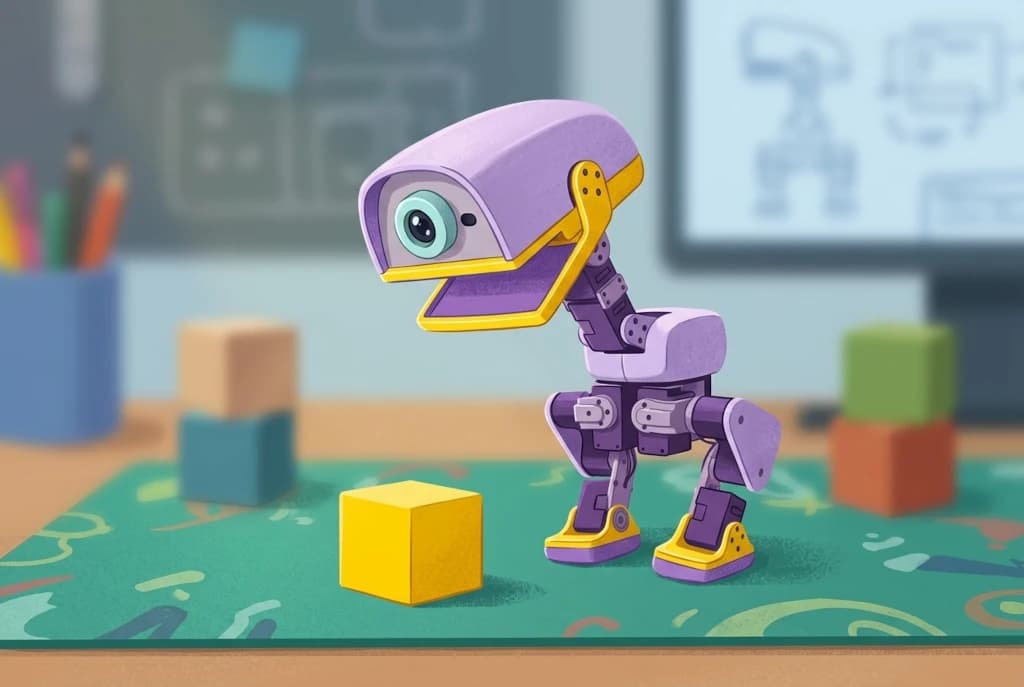
Products such as MicroDuck explore physical movement and behavior, while devices such as AIBI Pocket and Eiliko move toward smaller and more portable forms. They should not be judged by one identical checklist. A walking desk robot is not trying to solve exactly the same problem as a pocket companion.
The strongest reason to buy a desktop robot is not that it can replace your phone. It is that you want an interactive object to exist in a particular part of your life.
A wearable makes more sense when the moment does not happen at your desk
Some of the details people want AI to remember happen while they are walking between meetings, studying in a classroom, visiting a client, cooking, commuting, or talking with a friend.
A phone can already record a voice note, create a reminder, or answer a question. The problem is the friction. You need to remember to take it out, open the right app, start the right mode, and return to the conversation. A wearable tries to remove some of those steps.
There are different ways to do that:
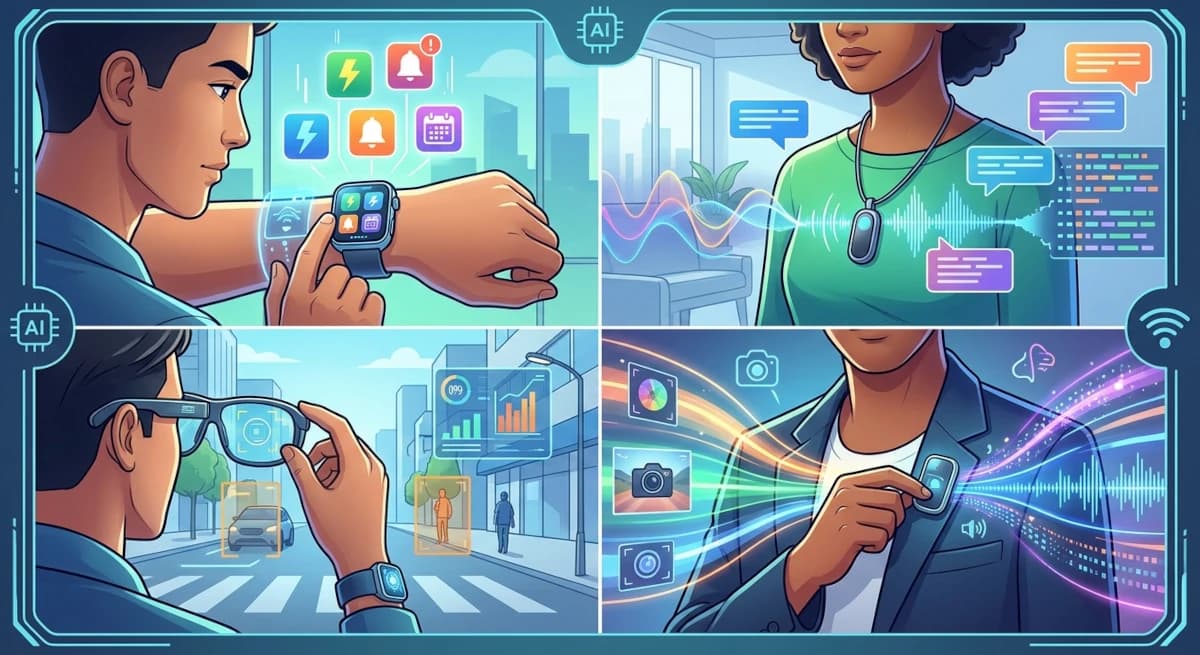
- Audio pendants and pins can capture speech and turn it into transcripts, summaries, or action items. Plaud describes the NotePin S as a hands-free recorder with a physical button, multiple wearing options, and up to 20 hours of continuous recording. Omi describes a pendant that records conversations, syncs with an app, and turns them into searchable notes and tasks. Those are manufacturer-described capabilities, not guarantees that every conversation will be captured perfectly. Plaud's product details and Omi's product information explain their respective approaches. [1][2]
- AI glasses can combine audio, a camera, and a voice assistant. They are more relevant when the visual scene matters, such as asking about something in front of you or capturing a first-person moment. Meta says its glasses use a capture LED when taking photos or video, and that disabling or covering the LED disables the camera. [3]
- Smartwatches are already useful for reminders, timers, calendar actions, messages, and quick voice requests. Apple documents these everyday Siri tasks on Apple Watch. For many people, a watch they already own may be enough for simple reminders and hands-free interactions. [4]
The important point is that "wearable AI" is not one experience. A pendant that captures a conversation, glasses that interpret what you see, and a watch that surfaces a reminder solve different jobs.
What community users reveal about the real trade-offs
The strongest argument for a wearable is that it can reduce the gap between something happening and capturing it.
In a July 2026 r/PLAUDAI post, one student described wearing a Plaud NotePin S to around 60 lectures. They found the physical highlight button useful because they could mark a moment that mattered and return to it later. They also described a limit: from the back half of a large auditorium, voices became harder to capture and transcription errors increased. This is one person's account, not a controlled test, but it illustrates why placement and distance matter as much as a headline microphone range. [5]
Other users describe a less seamless experience. In a September 2026 discussion, a NotePin S owner complained that transferring recordings required taking out a phone, opening the app, waiting for connection, and then syncing. Another user said they sometimes forgot to bring the device or start recording, making an expensive recorder feel like a paperweight. [6][7]
AI glasses create a different kind of friction. One Ray-Ban Meta owner described being suspected of recording someone at a cafe even though they said they were not recording. Other community discussions show the opposite experience, with owners saying people rarely notice or that they have become comfortable wearing the glasses. The disagreement matters. Social acceptance is contextual, not a specification that a manufacturer can settle with a product demo. [8]
I would not use these posts to claim that wearables are unreliable or that people dislike AI glasses. They show that the actual product includes habits, bystanders, syncing, distance, comfort, and social expectations. Those details are easy to leave out of a feature comparison.
A simple way to choose
Think about the moment when you most want help.
| Your recurring situation | Form worth considering first | Why |
|---|---|---|
| You spend a lot of time at one desk and want an interactive presence | Desktop robot | The value is tied to a place, routine, and physical interaction |
| You often leave conversations wishing you had captured the details | Audio pendant or pin | Hands-free capture may reduce note-taking friction |
| You need to understand or capture what you are looking at | AI glasses | A camera and first-person perspective may add context that audio alone cannot provide |
| You mainly need timers, reminders, and quick actions | Smartwatch or phone | You may already own a device that handles the job |
| You want a small playful object to carry around | Pocket companion | Portability and character may matter more than productivity features |
I would not buy a wearable simply because it is marketed as an AI companion. First identify the repeated moment it should improve. If you cannot name that moment, the device may become another object you need to remember to charge and carry.
The software should outlive the shape of the device
There is a deeper product question here. If your AI remembers a commitment while you are away from your desk, should that memory be available when you return home? If you ask a wearable to capture a thought, should a desktop companion be able to help you revisit it later?
I think the answer should be yes, provided the user has chosen to connect those experiences.
The software should hold the continuity. The device should provide the right interaction for the moment. A wearable can capture. A phone can review. A desktop robot can make a reminder visible in a room. A laptop can support more complicated planning.
That is a stronger architecture than trying to force every job into one piece of hardware.
It also creates a useful standard for evaluating future products: does this form factor make a meaningful task easier, or is it simply a new place to put the same chatbot?
My view: choose the interaction, not the object
I would not frame desktop robots and AI wearables as winners and losers in the same category. They are different interfaces to a possible personal AI system.
A desktop robot makes sense when you want a physical presence in a place. A wearable makes sense when you need help in moments that move with you. A phone or smartwatch may already be enough when the task is simple.
For MeraBots, the interesting future is not a single perfect shape. It is software that can keep useful context across the places where people live, work, and move, while each device earns its place by making one part of that experience easier.
If you are still deciding whether a physical robot belongs in your life at all, start with what you would actually use a desktop robot for.
Sources and community notes
The vendor pages below describe product features and specifications as presented by their manufacturers. Community posts are individual accounts and should not be treated as representative surveys.
- Plaud NotePin S official product page, accessed November 6, 2026.
- Omi official pendant page, accessed November 6, 2026.
- Meta: AI Glasses privacy and capture indicator FAQ, July 2026.
- Apple Support: Take action with Siri on Apple Watch, accessed November 6, 2026.
- r/PLAUDAI: Wearing the Plaud NotePin S to around 60 lectures, July 2026.
- r/PLAUDAI: NotePin S syncing experience, September 2026.
- r/PLAUDAI: What drives people to use Plaud daily?, July 2026.
- r/RaybanMeta: Owner describes being accused of recording at a cafe, July 2026.