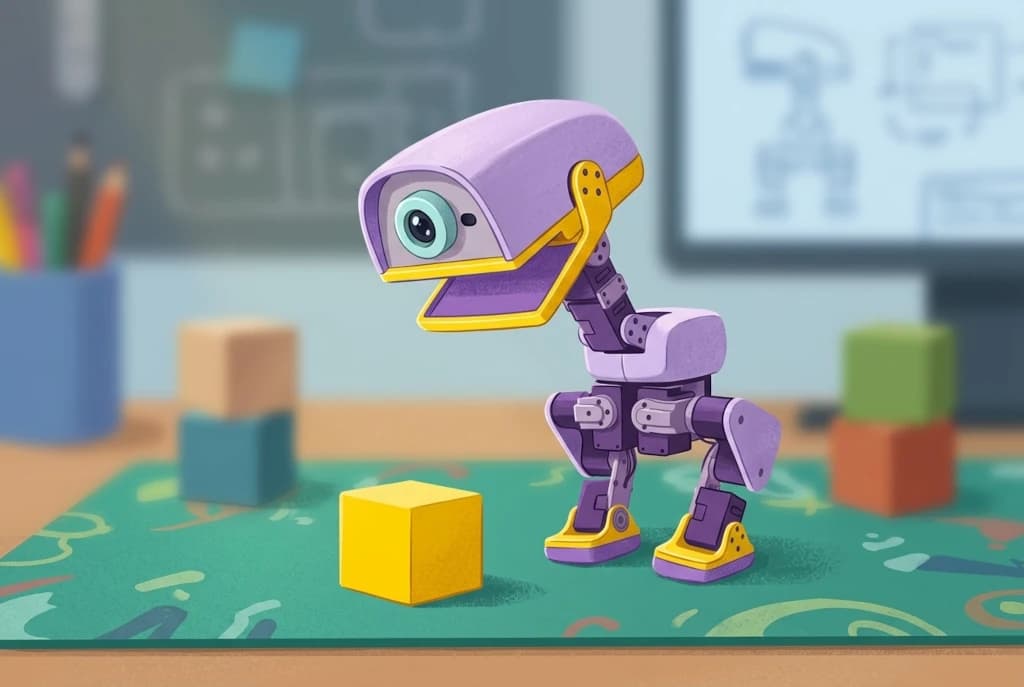
The first day with a new robot is easy.
You want to try everything.
Make it walk.
Make it sit.
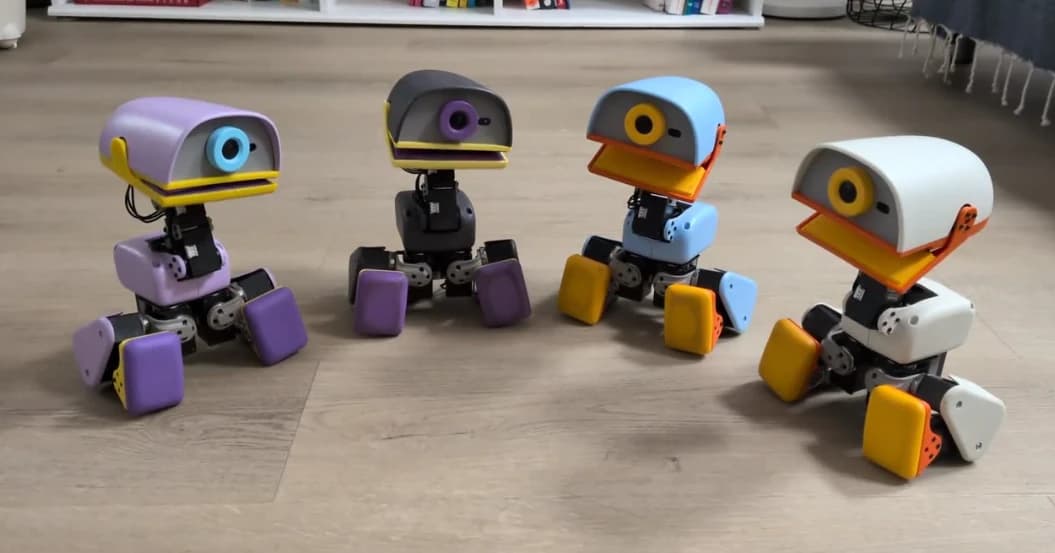
Try the rollers.
See it pick something up.
Watch it recover from a fall.
Show someone else.
Then the obvious question arrives:
"Okay. What do I actually do with this now?"
That is the question this article is really about.
Not what MicroDuck can do as a specification list, but what you can actually do with it once you have already seen the obvious behaviors.
Turn Behaviors Into Small Challenges
A built-in behavior is only the starting point.
Walking becomes more interesting when you give the movement a goal.
Instead of:
"It can walk."
You can ask:
"Can I get it from one point to another?"
Grasping becomes more interesting when there is something specific to pick up.
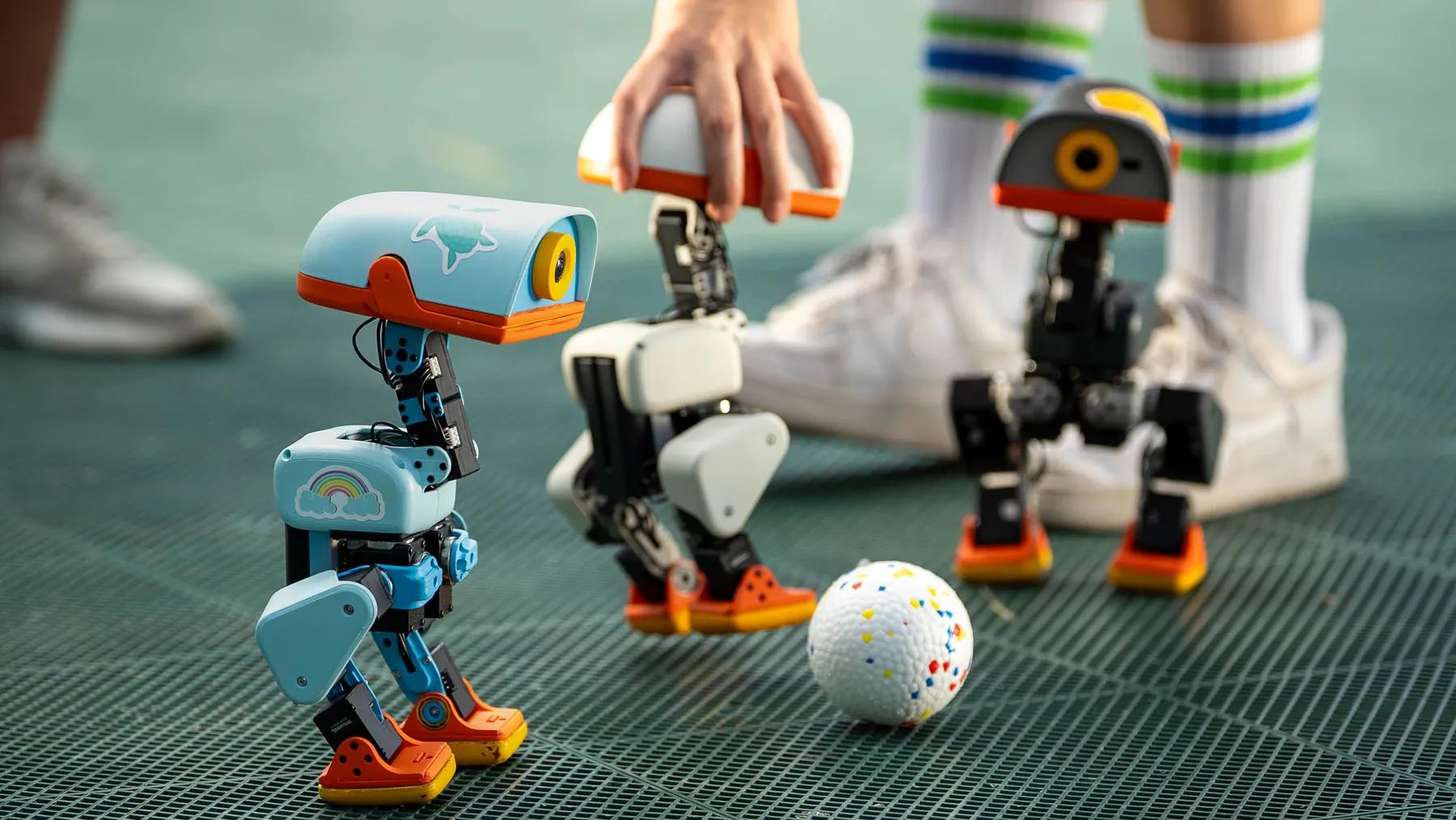
Kicking becomes more interesting when there is actually a ball in front of the robot.
The robot has not changed.
The interaction has.
That is one of the biggest differences between owning a physical robot and watching a product demonstration.
A demonstration answers:
"What can it do?"
Interaction asks:
"What can I make happen with it?"
Make Simple Games
You do not need a complicated robotics setup to create a small game.
You can create a target.
You can choose an object.
You can define a starting point and a goal.
You can see whether the robot can complete a simple challenge.
The point is not that MicroDuck suddenly becomes an autonomous game-playing machine.
The point is that its physical behaviors give you enough ingredients to invent your own activity.
A robot can be entertaining precisely because it does not behave perfectly every time.
It may miss.
It may fall.
It may take a strange path.
You may need to try again.
Those little failures are part of the experience.
Let Other People Try It
A physical robot has another advantage over software:
people can take turns with it.
You can hand the controller to a friend.
You can let someone else decide what to try.
You can show someone how the grasping behavior works.
You can put a ball in front of it and see what people come up with.
That sounds trivial.
It is not.
For a consumer robot, social interaction can be one of the easiest ways to make a device feel like something you own rather than something you installed.
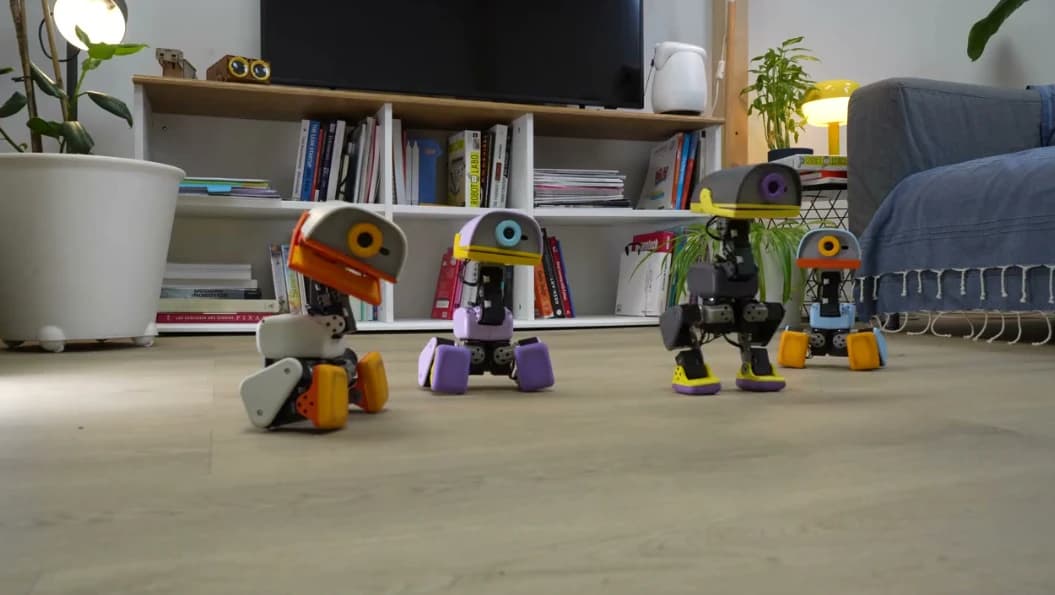
The robot becomes an object people gather around.
Give It a Role in Your Space
MicroDuck does not have to become a useful household machine to justify its place on your desk.
It can simply become:
- something that moves when you are taking a break
- a small robot you show visitors
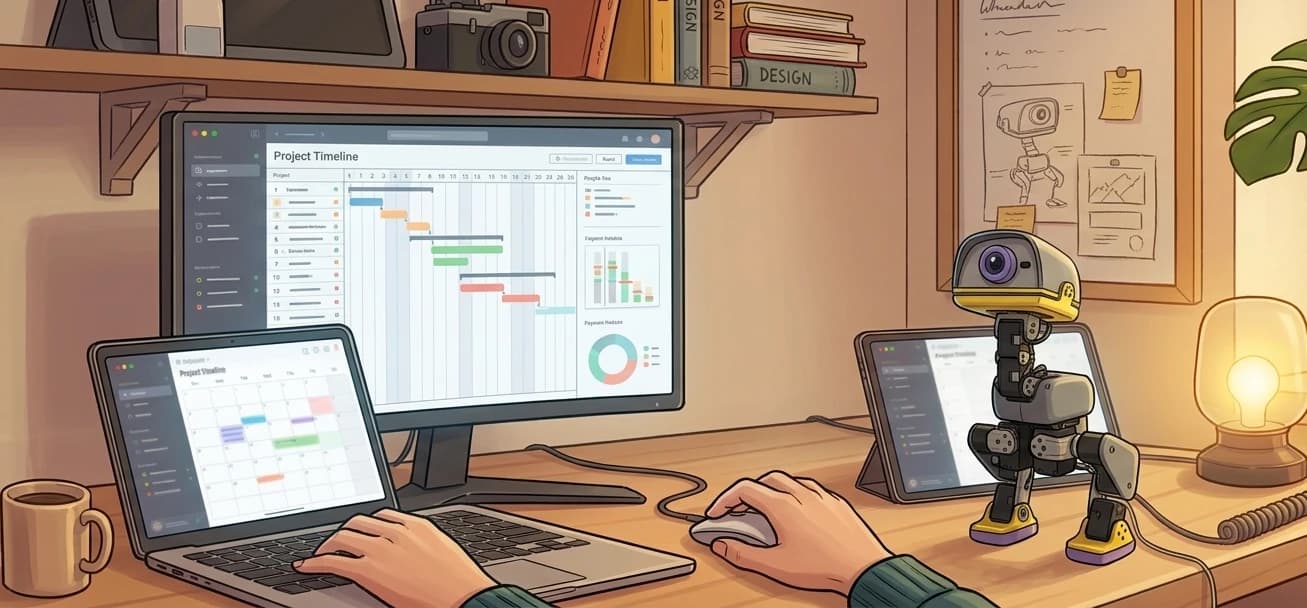
- a desk companion you occasionally control
- a physical project you keep experimenting with
- a toy that becomes more interesting as you discover new behaviors
That is a different definition of usefulness.
A physical object does not always need to optimize your productivity.
Sometimes its value is that you enjoy having it around.
Create Your Own Personality for It
This is not a product feature.
It is an owner behavior.
A physical robot gives you room to create a relationship with it even when its intelligence is limited.
You might give it a name.
You might decide one movement is "its thing."
You might start thinking of a particular behavior as funny or annoying.
You might develop a tiny ritual around using it.
None of that requires the robot to actually understand the relationship.
The physical presence does some of the work.
That is one reason desktop robots can feel different from software assistants.
A chatbot exists inside a conversation.
A physical robot occupies a place in your world.
You Can Start Without Programming
MicroDuck's open-source software stack can make it look like a serious robotics project.
And it is one.
Pollen provides an SDK, simulation environment, and reinforcement-learning tools for training and deploying behaviors. But the product is also designed to be playable before you write code. (Pollen Robotics)
That means there are really two ways to approach the robot.
The first is:
"Let's see what this thing can do."
The second is:
"Let's see what I can teach it to do."
You do not have to choose the second path on day one.
Go Deeper Only When You Become Curious
This is where MicroDuck becomes more interesting than a normal toy.
The built-in behaviors are the entry point.
The development stack is what gives the robot somewhere to go afterward.
Pollen describes a workflow where behaviors can be trained in simulation, deployed to the physical robot, refined, and shared with the community. (Pollen Robotics)
You might never use that side of the product.
That is fine.
But if one day you start wondering:
"Could I change this?"
or:
"Could I make it react differently?"
then the robot has another layer waiting for you.
That progression is more interesting than a product that has everything fixed on day one.
What I Would Not Do
I would not buy a robot like MicroDuck with a giant spreadsheet of expectations.
That is an easy way to make an interesting product feel disappointing.
Instead, I would start with three questions:
- What does it already do?
- Which of those behaviors do I actually enjoy?
- What is the next thing I naturally want to try?
Those questions tell you more than a list of twenty hypothetical features.
The First Day Is Not the Point
The first day tells you whether the robot catches your attention.
The weeks after that tell you whether you actually like owning it.
That distinction matters.
A robot can be impressive for thirty minutes and boring after a week.
It can also be surprisingly simple and still stay interesting because you keep finding little things to try.
MicroDuck's advantage is that it gives you both sides:
- physical behaviors you can use immediately
- an open software path for deeper experimentation
The first layer gives you something to play with.
The second gives you a reason to stay curious.
So What Would I Actually Do After the First Day?
I would keep it simple.
I would make small challenges.
I would let other people try it.
I would see what objects are fun to interact with.
I would experiment with the roller setup.
I would find one or two behaviors that are genuinely entertaining instead of trying to use every feature.
And if I eventually started asking:
"Can it do something else?"
then I would start looking at the development side.
That is probably the healthiest way to approach MicroDuck.
Do not buy it because you expect infinite activities.
Buy it because the starting point looks enjoyable enough that you can imagine yourself discovering the rest.