Buying the MicroDuck itself is simple.
It's $399.
Then you look at the accessories.
$39 for the Charger Pack.
$39 for the Accessory Pack.
$119 for the Dev Pack.
Suddenly your $399 robot can become a much more expensive order.
So I think the better question is not:
"What accessories are available?"
It's:
"Which ones would I actually want if this were my money?"
And honestly, I would not buy all of them.
Start with the robot
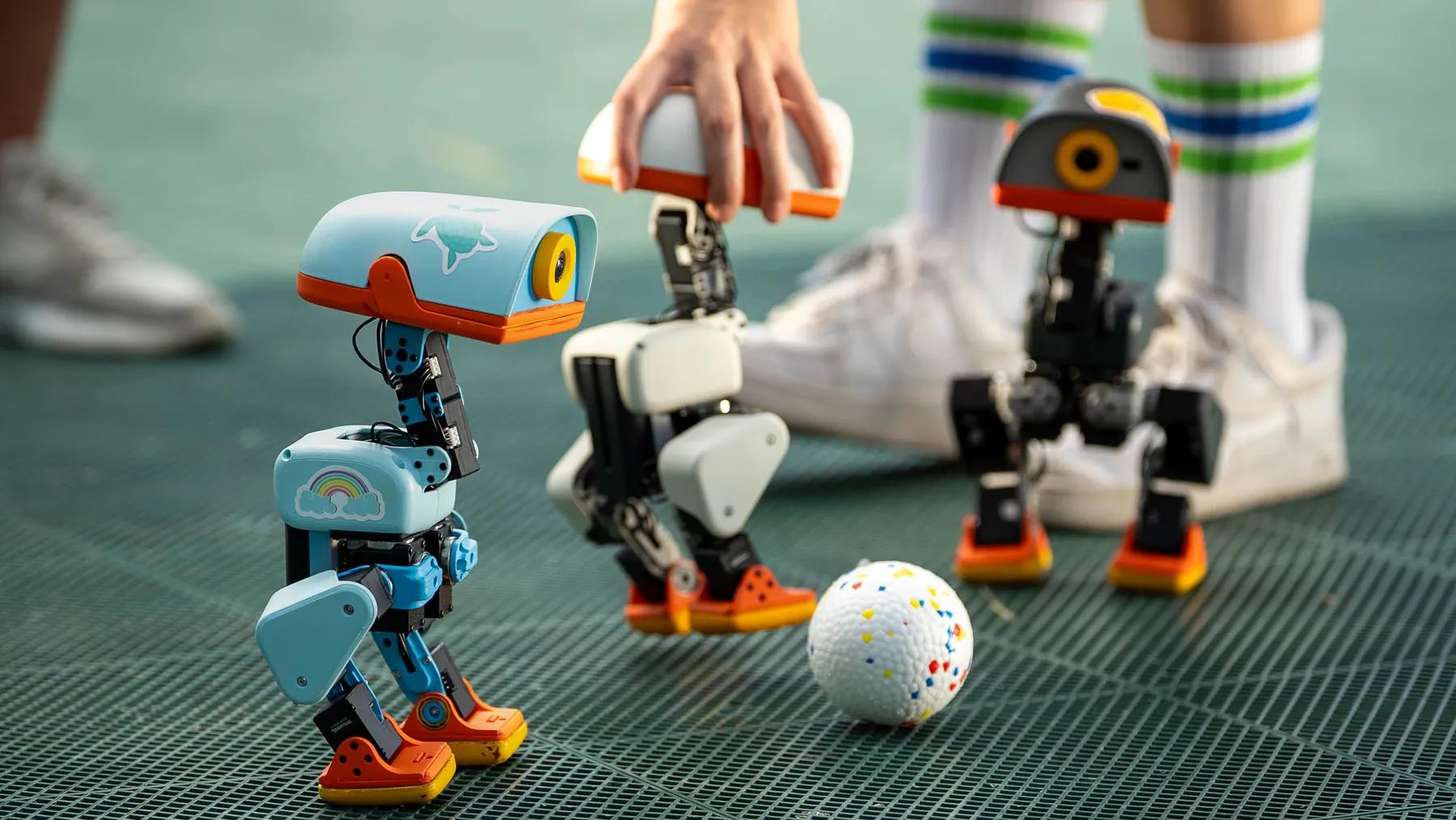
The standard MicroDuck package already includes the robot, a battery, USB-C cable, and game controller. (Pollen Robotics)
That's enough to start using the robot.
This is important because some accessory pages can make you feel like the "real" experience requires buying everything.
It doesn't.
I'd start with the robot itself.
Play with it.
See what you actually enjoy.
Then buy extras based on that.
The Charger Pack is the easiest one to understand
The Charger Pack adds:
- two extra batteries
- a dual battery charger
Pollen currently lists it at $39. (Pollen Robotics)
This one is probably the least exciting accessory.
But it may be the most practical.
If you actually use MicroDuck for long sessions, extra batteries mean less waiting around.
If you only expect to play with it occasionally, I don't see much reason to buy it immediately.
Personally, I'd wait.
If I start getting annoyed because the battery keeps running out, then I'd buy it.
The Accessory Pack is actually more interesting
This one is more about play.
It includes:
- two rollers
- a laser
- an NFC Polaroid display
- ten NFC tags
- a ball
Pollen says the NFC tags can be used to create custom interactions, triggers, and behaviors. (Pollen Robotics)
And this is where I think an accessory becomes more than an accessory.
The ball is simple.
The rollers are fun.
The laser gives you another thing to interact with.
But the NFC tags are potentially more interesting because they connect the physical environment with the robot.
You can put a tag somewhere and create an interaction around it.
That is the kind of thing that makes a robot feel less like a fixed gadget.
Would I buy the Accessory Pack?
Probably.
Not necessarily on day one.
But this is the pack I'd be most tempted by.
Why?
Because the whole point of a desktop robot is interaction.
If an accessory gives you another reason to interact with the robot, it is doing something useful.
Pollen currently lists this pack at $39 in the US launch pricing. (Pollen Robotics)
That's not an enormous additional cost compared with the robot itself.
I'd still wait until I knew I wanted more ways to play.
The Dev Pack is different
This is where I'd be much more selective.
The Dev Pack includes:
- three spare motors
- five motor cables
- two additional batteries
- dual charger
- ten NFC tags
- Hugging Face credit
- screwdriver
- spare screws
Pollen describes it specifically as a developer-focused kit for building, repairing, customizing, and experimenting with MicroDuck. (Pollen Robotics)
And that's exactly how I'd think about it.
It's not:
"an upgraded MicroDuck experience."
It's:
"extra equipment for someone who actually intends to tinker."
If you are a normal consumer who just wants to enjoy the robot, I don't think you need it.
This is where I'd probably spend the money
If I were ordering MicroDuck today, my default would be:
MicroDuck first.
Then I'd wait.
If I wanted more playful interactions, I'd look at the Accessory Pack.
If I actually became someone who regularly uses the robot, I'd consider the Charger Pack.
I'd only buy the Dev Pack if I already knew I wanted to work on the hardware or software side.
That saves you from turning a $399 purchase into a $600+ experiment before you've even figured out whether you like the thing.
There is another reason I like waiting
You learn what you actually need.
Before owning a robot, you tend to imagine all kinds of things.
"I'll definitely need extra batteries."
"I'll definitely use the NFC tags."
"I'll probably build things."
Maybe.
Or maybe you just end up spending ten minutes every evening watching your little duck walk around.
That's fine.
You don't need to buy the equipment for a hobby you haven't actually developed yet.
The Accessory Pack is also a useful clue about MicroDuck
The accessories tell you something about how Pollen expects people to interact with the robot.
It's not just:
move forward.
There are objects for games, triggers, movement, and physical interaction. (Pollen Robotics)
That makes sense to me.
A robot becomes much more interesting when the world around it becomes part of the experience.
What I would skip
I'd skip the Dev Pack at first unless I already knew I wanted to tinker.
I'd probably skip the Charger Pack until battery life actually became a problem for me.
The Accessory Pack is the one I'd consider first because it adds actual things to do.
But even that isn't necessary to enjoy the robot.
My advice
Don't look at the accessories as part of some mandatory MicroDuck setup.
Think of them as optional ways to change how you use the robot.
Start with:
"Do I like having MicroDuck around?"
Then ask:
"What do I wish I could do with it?"
Only then buy something that solves that problem.
That's a much better way to spend another $39—or another $119—than simply checking every box on the product page.